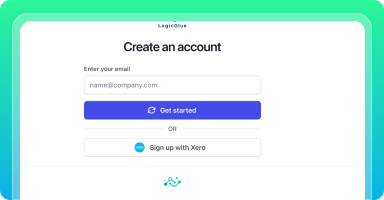
Find LogicGlue via the Xero App store, or click 'Sign Up' in the top right.
Enter your email and subscribe to start using LogicGlue. (The 7-day free trial begins immediately. Cancel anytime.)
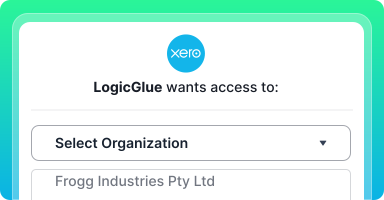
Link your Xero account with your LogicGlue account.
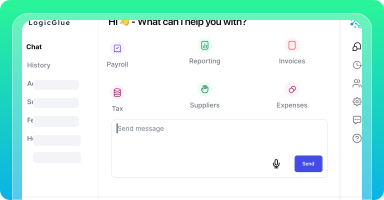
LogicGlue is now ready!
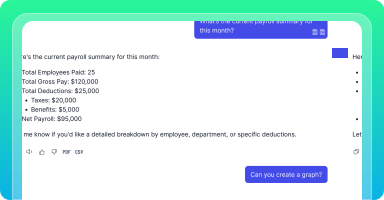
Examples:"List last month's largest expenses.""What was last year's total payroll expense?"
Check results, cross-reference in Xero, and experiment with different prompt queries.